
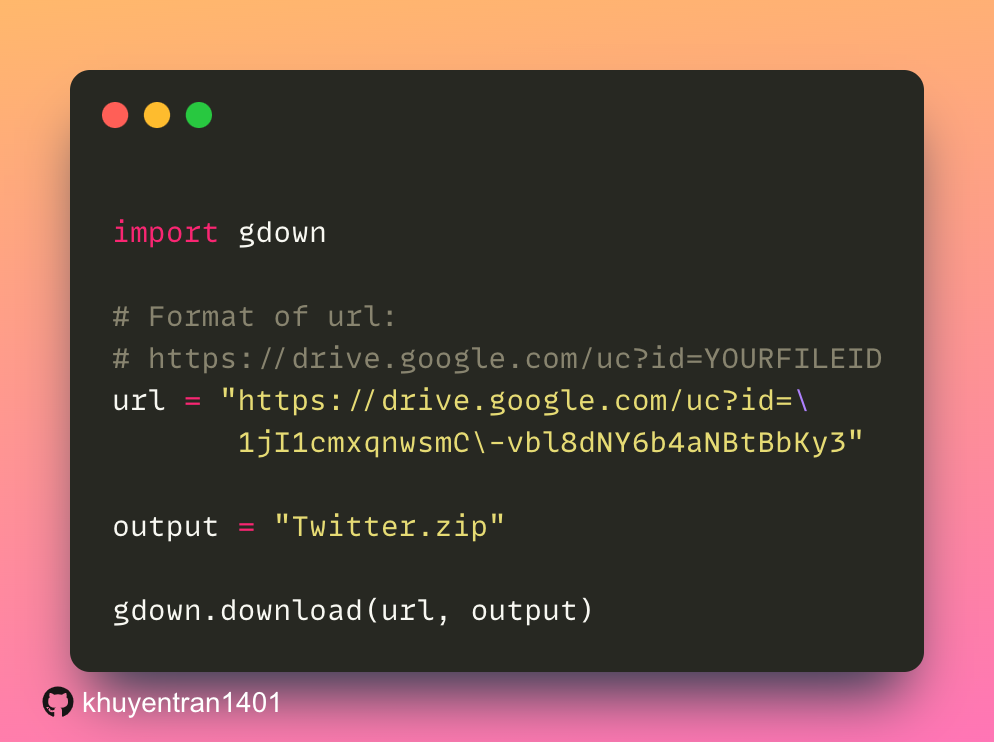

If you want to download a file from Google Drive in Python, use gdown. All you need is the file’s share URL. No API key, no OAuth, no service account JSON.
Install
pip install gdownDownload a single file
import gdown

url = "https://drive.google.com/uc?id=1zX5Q2pK..."
gdown.download(url, "data.csv", quiet=False)
Download from a regular share link
Share URLs from Google Drive look like https://drive.google.com/file/d/<ID>/view?usp=sharing
share_url = "https://drive.google.com/file/d/1zX5Q2pK.../view?usp=sharing"
gdown.download(share_url, "data.csv", fuzzy=True)
Download an entire folder
folder_url = "https://drive.google.com/drive/folders/1abcDEF..."
gdown.download_folder(folder_url, output="my_data", quiet=False)
Use it from the command line
The same package ships a CLI:
gdown https://drive.google.com/uc?id=1zX5Q2pK... -O data.csv
gdown --folder https://drive.google.com/drive/folders/1abcDEF...
Useful inside Dockerfiles or CI scripts where pulling a fixture dataset is the first step.
When gdown will fail
- Private files. The file or folder must be shared as “Anyone with the link.” Service-account-only files need the official
google-api-python-client. - Daily quota exceeded. Google rate-limits anonymous downloads. There’s no fix from the client side. Wait 24 hours or host the file elsewhere.
- Removed files. A 404 from
gdownusually means the share permission was revoked, not a bug in your code.
Read next
Streamlining your Python workflow? Read our deep dive: Goodbye Pip and Poetry. Why UV Might Be All You Need. Simplify dependency management, virtual environments, and more.


