
Mercury: Build Web Apps in Jupyter Notebook
If you want to build a web app seamlessly within your Jupyter Notebook, use Mercury.

If you want to build a web app seamlessly within your Jupyter Notebook, use Mercury.

If you want to create an attractive display for specific information in your notebook, try bloxs.
bloxs is a Python library that is ideal for building dashboards, reports, and apps in the notebook.
Bloxs: Create an Attractive Display in Your Jupyter Notebook Read More »

Have you ever taken 15 minutes or so just to manipulate the data and create a plot in Python? Wouldn’t it be nice if you can quickly extract insights from data by simply clicking and dragging like below?
That is when atoti comes in handy. With atoti, you can quickly:
Create different scenarios and compare them side by side
Create and gain insights from a multi-dimensional dataset
Create interactive visualization on Jupyter lab without coding
In my latest article, you will learn how to quickly create a dashboard in Python and share it with others using atoti.
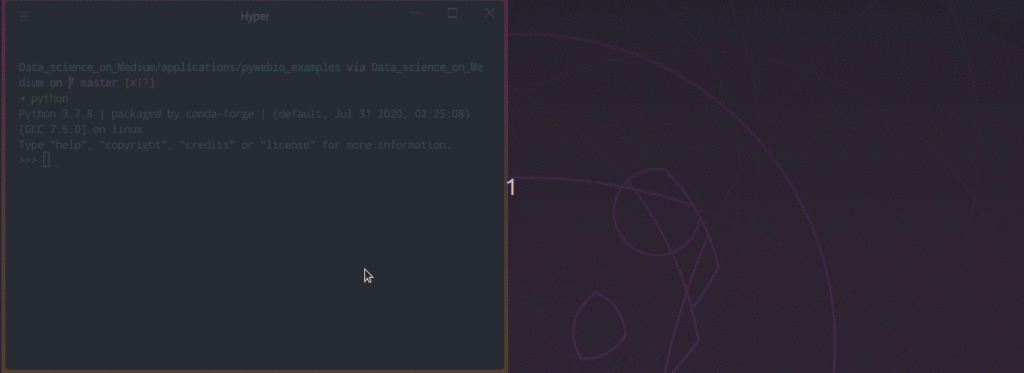
Have you ever wanted to create a web application in only several lines of Python code? If you are looking for something that is easier to learn than Django and Flask, but more customizable than Streamlit, you will love PyWebIO.
PyWebIO is a Python library that allows you to build simple web applications without the knowledge of HTML and Javascript. The GIF above shows how some of the things you can do with PyWebIO.
Link to the article.
Link to the source code.
PyWebIO: Write Interactive Web App in Script Way Using Python Read More »
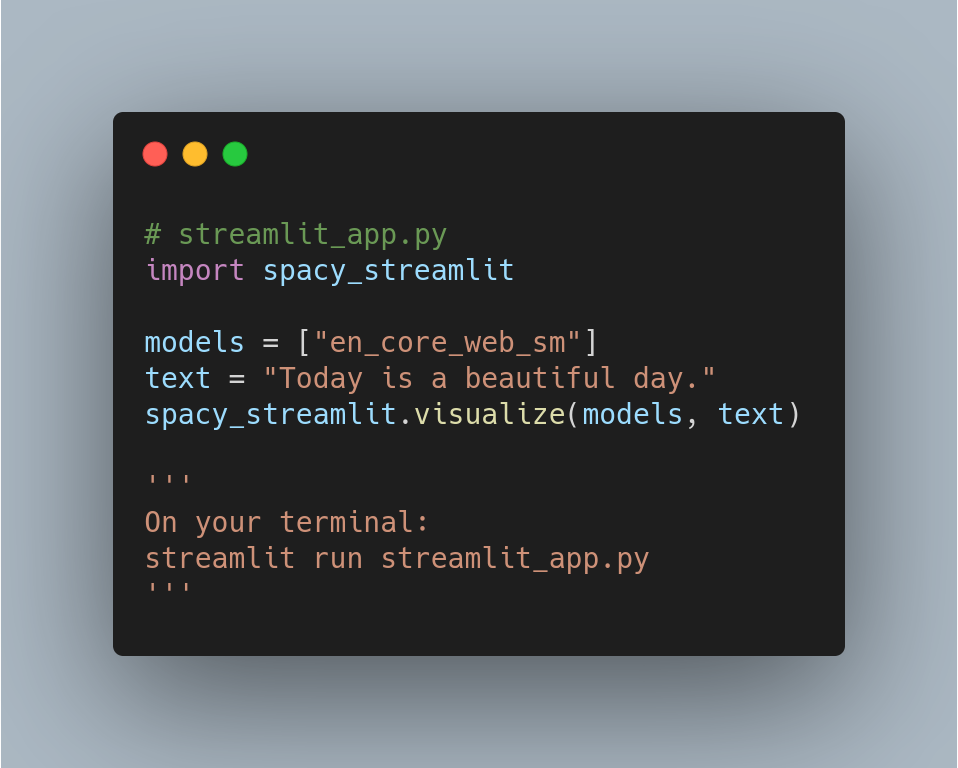
If you want to quickly create an app to visualize the structure of a text, try spacy_streamlit. Above is an example.Save the code above as app_name.py. After typing streamlit run app_name.py, the app like below should pop up in your web browser!
Spacy_streamlit: Create a Web App to Visualize your Text in 3 Lines of Code Read More »